

Note
Go to the end to download the full example code.
Create a DataSurface centered on Kepler crater#
By David Minton
This example demonstrates how to use the DataSurface to fetch real DEM data for a local region on the Moon. In this case, we center the surface on Kepler crater (321.9913E, 8.121N) with a radius of 50 km and a resolution of 200 m/pix. We then visualize the surface using PyVista both with and without the superdomain.
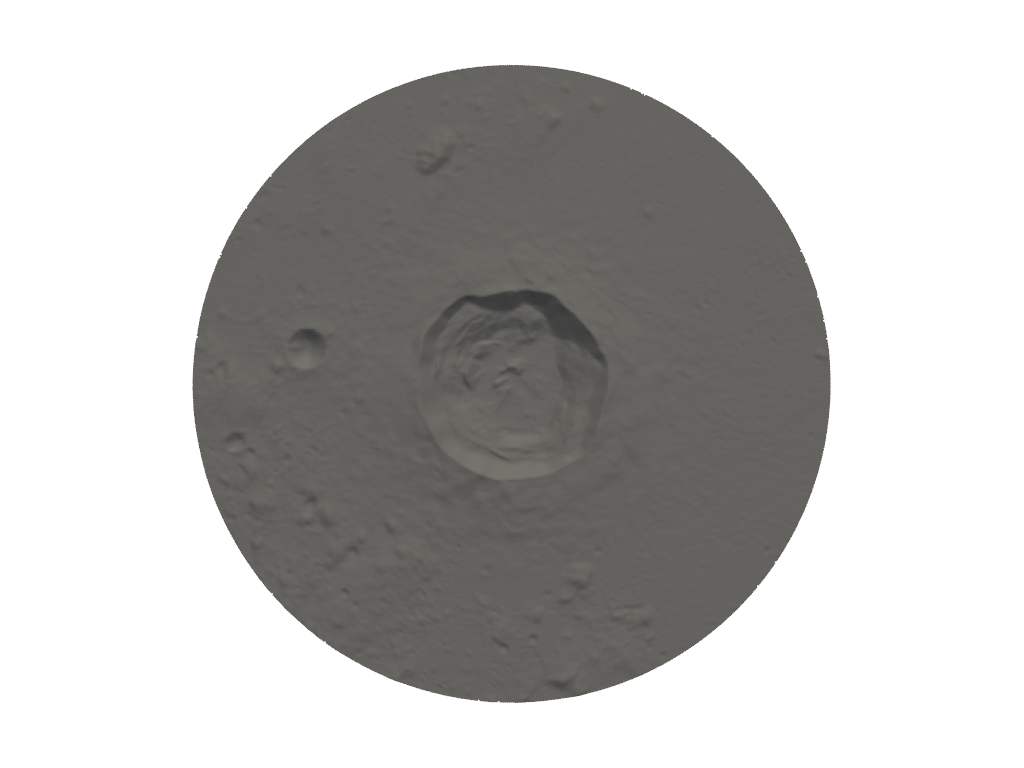
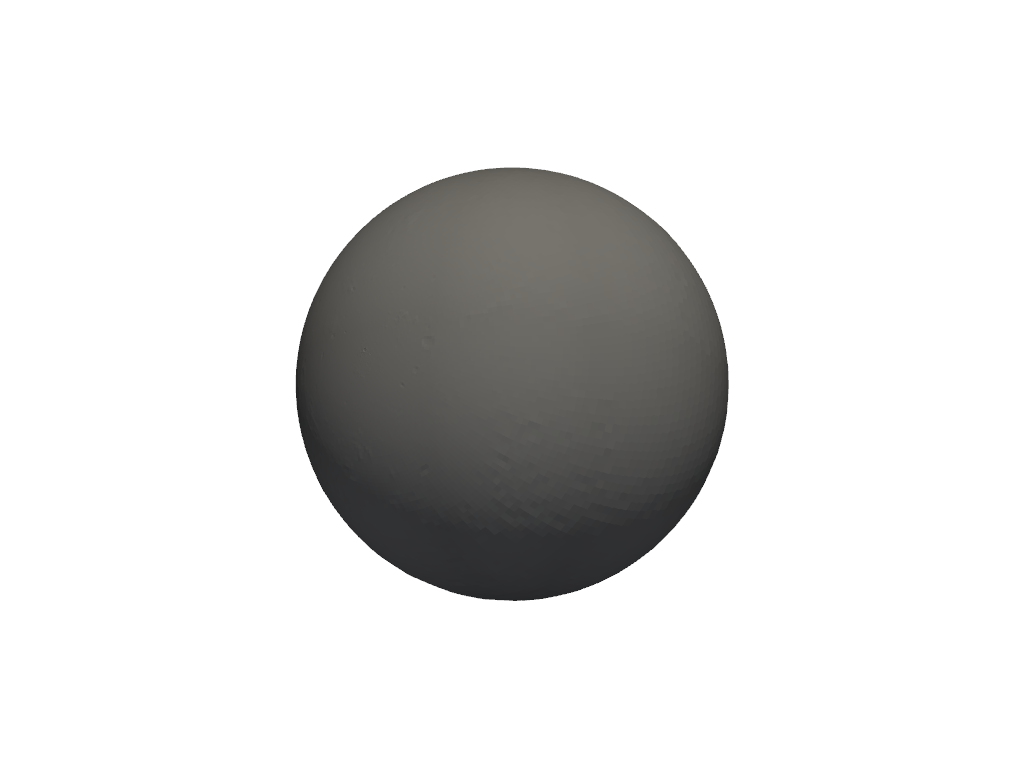
Generating a new grid.
Creating a new grid
Center of local region: (-38.008699999999976, 8.121)
Radius of local region: 50.00 km
Local region pixel size: 236.9 m
Reading DEM files:
  https://pds-geosciences.wustl.edu/lro/lro-l-lola-3-rdr-v1/lrolol_1xxx/data/sldem2015/global/float_img/sldem2015_128_60s_60n_000_360_float.xml
Generated 140271 points in the local region.
Generated 33667 points in the superdomain region.
Reading global DEM file:
  https://pds-geosciences.wustl.edu/lro/lro-l-lola-3-rdr-v1/lrolol_1xxx/data/lola_gdr/cylindrical/float_img/ldem_4_float.xml

<pyvista.plotting.plotter.Plotter object at 0x7778c7e6ce10>
import os

simdir = "simdata-1_5"
from cratermaker import Surface

# Note, that for these examples we pass ask_overwrite=False and reset=True to the Simulation constructor. This will suppress
# prompts that ask the user if they want to overwrite existing files, which would would prevent these examples from running on their
# own when building the documentation pages. Alternatively, calling cm.cleanup(simdir) will remove all pre-existing output files.
surface = Surface.maker(
    "datasurface",
    local_location=(321.9913, 8.121),
    local_radius=50.0e3,
    pix=200.0,
    simdir=simdir,
    ask_overwrite=False,
    reset=True,
)
surface.show3d(superdomain=False)
surface.show3d(superdomain=True)
Total running time of the script: (1 minutes 3.032 seconds)